

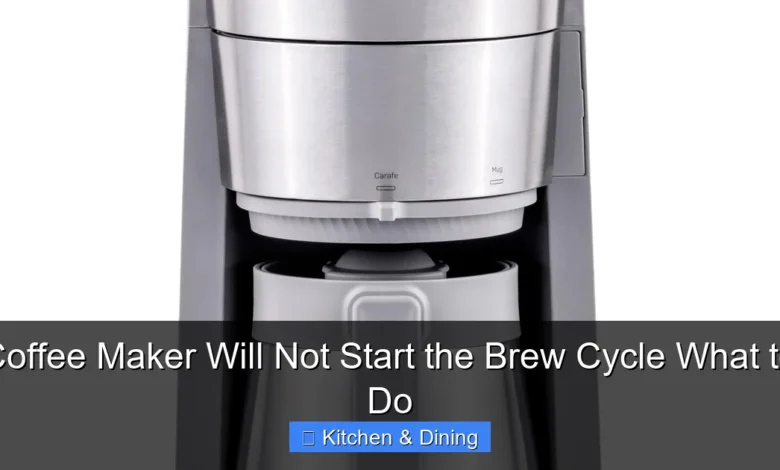
Is your coffee maker refusing to start the brew cycle? Don’t despair! This comprehensive guide offers clear, actionable steps to diagnose and fix common issues. From checking the power supply to ensuring proper assembly, you’ll learn how to get your machine brewing again. Follow these simple solutions and get your morning coffee ritual back on track.
There’s nothing quite like the aroma of fresh coffee to start your day. But what happens when you press the button, and your trusty coffee maker remains stubbornly silent? It’s a common and frustrating problem: your coffee maker will not start the brew cycle. Before you give up and head out for a costly cafe fix, take a deep breath. Most of the time, this issue is easily solvable with a few simple checks and troubleshooting steps.
This guide is designed to walk you through everything you need to know when your coffee maker won’t start brewing. We’ll cover the most frequent culprits, from the obvious to the less apparent, providing clear, step-by-step instructions to get your coffee maker back in working order. By the end of this guide, you’ll be armed with the knowledge to diagnose the problem and enjoy that much-needed cup of coffee again. Let’s get brewing!
- Check the Power Source: The most common reason a coffee maker won’t start is a lack of power. Ensure it’s plugged in and the outlet is working.
- Verify Water Reservoir and Coffee Grounds: Most machines won’t brew if the water reservoir is empty or if there are no coffee grounds in the basket.
- Cleanliness is Crucial: Mineral buildup (scale) can block water flow. Regular descaling is essential for proper function.
- Ensure Proper Assembly: Components like the carafe, filter basket, and lid need to be correctly seated for the machine to operate.
- Safety Features May Be Engaged: Some coffee makers have safety mechanisms that prevent brewing if parts aren’t in place or if the machine is too hot.
- Consider Electronic Issues: If simple fixes don’t work, there might be an internal electrical problem requiring professional attention.
Step 1: The Most Obvious – Check the Power
It sounds simple, but it’s the most common reason for any appliance not working. We often overlook the basics when frustrated.
Is It Plugged In?
First, ensure the coffee maker is firmly plugged into a working electrical outlet. Sometimes, a plug can get accidentally loosened, especially if you move the appliance for cleaning.
Test the Outlet
If the coffee maker is plugged in, the next step is to ensure the outlet itself is providing power. You can do this in a few ways:
- Try another appliance: Plug a lamp, phone charger, or another small appliance into the same outlet. If it doesn’t work, the problem is with the outlet or your home’s circuit breaker.
- Check your circuit breaker: Locate your home’s electrical panel. Look for a tripped breaker (usually in the “off” position or halfway between “on” and “off”). Flip it completely off and then back on again. If it trips again immediately, there might be a more significant electrical issue, and you should consult an electrician.
Inspect the Power Cord
Carefully examine the coffee maker’s power cord for any signs of damage. Look for cuts, frayed wires, or melted sections. If you find any damage, do not use the coffee maker. A damaged cord is a fire hazard.
Step 2: Water Reservoir and Coffee Grounds Check
Many coffee makers have built-in safety features that prevent them from brewing if certain conditions aren’t met.
Is There Enough Water?
Most automatic drip coffee makers require a minimum amount of water in the reservoir to initiate the brewing cycle. Check the water level indicator on your machine. If it’s below the minimum line, add fresh, cold water. Never operate a coffee maker with an empty water reservoir, as this can damage the heating element.
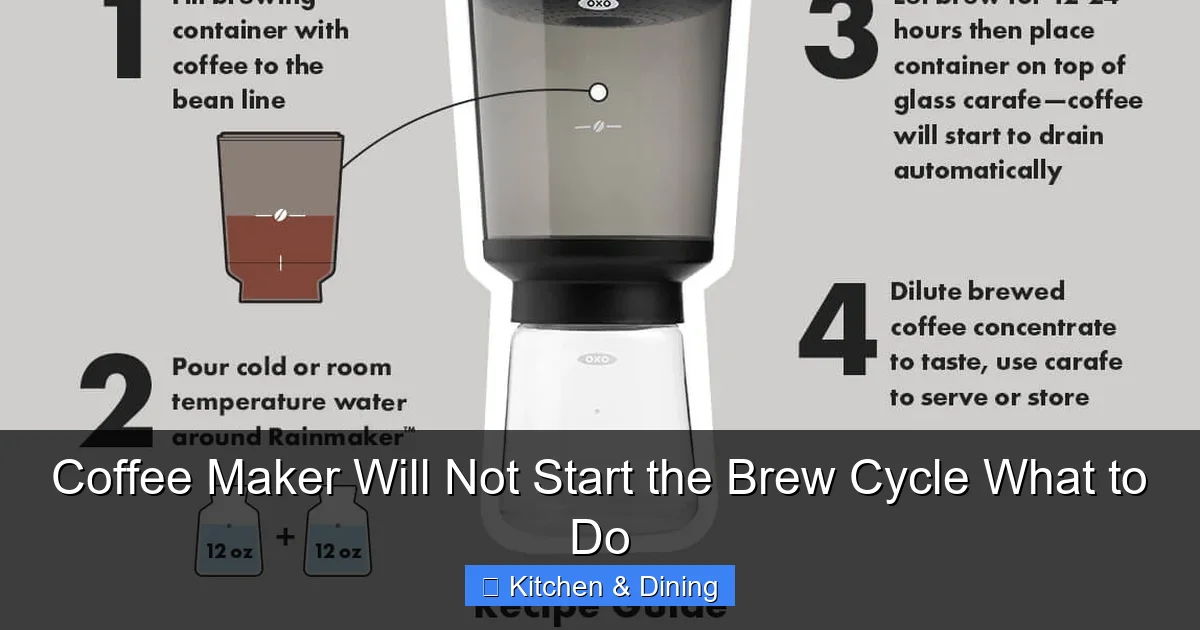
Visual guide about Coffee Maker Will Not Start the Brew Cycle What to Do
Image source: oxo.com
Is the Coffee Basket Properly Loaded?
Ensure the coffee filter basket is correctly in place and contains coffee grounds. Some machines have a sensor that detects if the basket is present and properly seated. While less common for the brew cycle not to start at all, a displaced basket can sometimes interrupt the process.
Step 3: Inspect All Components and Assembly
The way the different parts of your coffee maker fit together is crucial for its operation.
Carafe Placement
This is a very common issue! Most coffee makers have a switch or mechanism on the warming plate that is activated when the carafe is in place. This switch tells the machine it’s okay to start brewing. If the carafe is not pushed in all the way, or if it’s slightly crooked, this switch may not be engaged, preventing the brew cycle.
- Remove the carafe and then carefully place it back onto the warming plate. Make sure it sits flush and is centered.
- Listen for a gentle click or feel for it settling into place.
Filter Basket Seating
Similarly, the filter basket needs to be correctly inserted into its housing. If it’s loose or not fully pushed in, it could prevent the brew cycle from starting. Take out the filter basket and reinsert it firmly, ensuring it’s properly aligned with any guides or locks.
Lid and Water Reservoir Cap
For machines where the lid or the water reservoir cap needs to be secured for operation, double-check that these are closed tightly. Some models have interlock mechanisms linked to these components.
Step 4: The Importance of Cleaning and Descaling
Mineral deposits from your tap water, often called scale, can build up over time. This buildup can clog the internal workings of your coffee maker, preventing water from flowing properly and thus stopping the brew cycle. This is a very common reason for a coffee maker to stop working. If you haven’t descaled your machine recently, or ever, this is likely your culprit.
Why Descaling is Important
Scale is essentially calcium and magnesium deposits. As hot water passes through your coffee maker, these minerals are left behind. Over time, they accumulate, forming a hard layer that can obstruct the water lines, heating element, and pump. This obstruction can prevent water from reaching the brew basket, or even prevent the machine from heating up enough to start the brewing process.
How to Descale Your Coffee Maker
Descaling is straightforward and essential for the longevity and performance of your coffee maker. The process typically involves running a descaling solution or a vinegar-water mixture through the machine.
- Prepare the Solution: You can use a commercial descaling solution specifically designed for coffee makers, or a mixture of equal parts white vinegar and water. For a standard 12-cup coffee maker, you might use about 4-6 cups of the solution.
- Fill the Reservoir: Pour the descaling solution or vinegar-water mixture into the water reservoir.
- Run a Brew Cycle (without coffee): Place an empty carafe on the warming plate and start a brew cycle. Let the machine run about half of the solution through.
- Pause and Soak: Turn off the coffee maker and let it sit for 30-60 minutes. This allows the solution to break down the mineral deposits.
- Complete the Brew Cycle: Turn the coffee maker back on and let the rest of the solution run through.
- Rinse Thoroughly: Discard the solution and the carafe. Fill the water reservoir with fresh, clean water and run at least two to three full brew cycles with just water. This is crucial to rinse out any residual vinegar smell or taste.
Regular descaling (every 2-3 months, or more often if you have hard water) will help prevent clogs and ensure your coffee maker operates efficiently. For more in-depth cleaning tips, check out our guide on the best way to clean the inside of a microwave oven, as many cleaning principles apply to other kitchen appliances.
Step 5: Check for Overheating or Other Safety Features
Some coffee makers have thermal fuses or other safety mechanisms that can prevent them from operating if they become too hot or if certain conditions are met.
Has it Been Used Recently?
If you’ve just finished a brew cycle, especially a large pot, the coffee maker might be too hot to start another immediately. Many machines have a safety feature that prevents operation until they have cooled down sufficiently. Allow the machine to cool for at least 15-20 minutes before trying to brew again.
Filter Basket Sensor
As mentioned earlier, some models have a sensor within the filter basket holder that needs to be pressed down for the machine to start. Ensure nothing is obstructing this sensor and that the basket is properly seated, engaging it.
Step 6: Resetting Your Coffee Maker
Sometimes, a simple electronic reset can clear a temporary glitch.
Unplug and Wait
The easiest way to reset most coffee makers is to unplug them from the power outlet. Leave them unplugged for at least 5-10 minutes. This allows any residual power to dissipate and can reset the internal electronics. After waiting, plug it back in and try starting a brew cycle.
Check for a Reset Button
Some more advanced or programmable coffee makers might have a dedicated reset button. Consult your coffee maker’s manual to see if this applies to your model.
Step 7: Is There a Problem with the Heating Element?
If your coffee maker isn’t heating the water, it won’t brew. This could be due to scale buildup (as discussed) or a faulty heating element.
Signs of a Heating Element Issue
- The machine powers on, but the water remains cold.
- You don’t hear the usual gurgling or boiling sounds during what should be the brewing phase.
- There might be a burning smell, though this is less common for a complete failure to start.
What to Do
If you suspect a faulty heating element, it’s generally not something easily repaired by the average user. Heating elements are integrated components. If your coffee maker is still under warranty, contact the manufacturer. If not, you may need to consider replacing the unit. For those looking for a reliable new machine, exploring options like the best coffee maker and espresso machine combo can offer a good starting point for finding a quality replacement.
Step 8: Examine the Pump (for applicable models)
Some coffee makers, particularly single-serve or espresso machines, use a pump to draw water through the system. If the pump is clogged or has failed, it won’t be able to pull water to start the brewing process.
Signs of Pump Failure
- The machine makes noise as if it’s trying to work, but no water is moving.
- You might hear a humming sound from the pump area, but no water flow.
Troubleshooting the Pump
For basic drip coffee makers, the “pump” is often integrated with the heating element and is less likely to be a separate serviceable part. However, in more complex machines:
- Check for blockages: Ensure water lines are clear of debris or scale.
- Refer to the manual: Your coffee maker’s manual might offer specific troubleshooting steps for the pump.
If the pump is indeed the issue and not easily cleared, replacement of the unit might be necessary.
Step 9: Consult Your User Manual
Every coffee maker is a little different. Your owner’s manual is your best friend when troubleshooting specific models.
Model-Specific Information
Your manual will have detailed information on how your particular coffee maker operates, including any specific safety features or troubleshooting tips related to the brew cycle not starting. It’s worth a quick read if you haven’t already.
Warranty Information
If your coffee maker is relatively new, check your manual for warranty information. If you’ve tried all the troubleshooting steps and your machine still won’t start, it might be eligible for repair or replacement.
When to Consider Replacement
If you’ve gone through all these steps and your coffee maker still refuses to start the brew cycle, it might be time to consider a replacement. Appliances, like anything else, have a lifespan. If yours has served you faithfully for many years and repairs are proving too costly or complex, investing in a new, reliable machine is often the most practical solution.
Conclusion
It’s incredibly frustrating when your coffee maker won’t start the brew cycle, robbing you of your morning caffeine fix. However, as we’ve seen, the vast majority of these issues stem from simple, addressable problems. By systematically checking the power supply, ensuring proper water levels and component assembly, performing regular cleaning and descaling, and understanding your machine’s safety features, you can often revive your coffee maker. Remember to always consult your user manual for model-specific advice. With a little patience and these troubleshooting steps, you’ll hopefully be back to enjoying that perfect cup of coffee in no time. Happy brewing!